Invite Users
If you have permission, you can invite other individuals to also use the GoAnywhere MFT secure file server. To invite a new user, click the user initial icon located in the upper right-hand corner of the web client screen. The user menu will appear. Click Invite User.
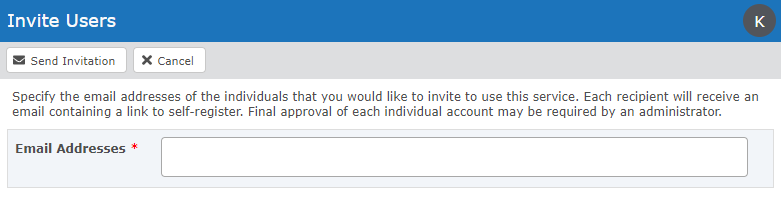
On the Invite Users page, type the email addresses of the individuals you would like to invite. Separate multiple email addresses with commas. When complete, click the Send Invitation button.
 Complete Registration
Each recipient will receive an invitation email. After they click the link to register, they will finish the registration process online.
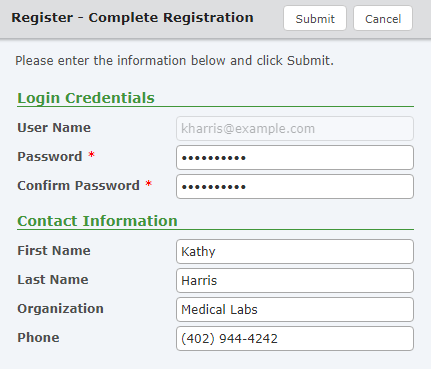
New user accounts may need to be approved by an administrator before they use GoAnywhere.